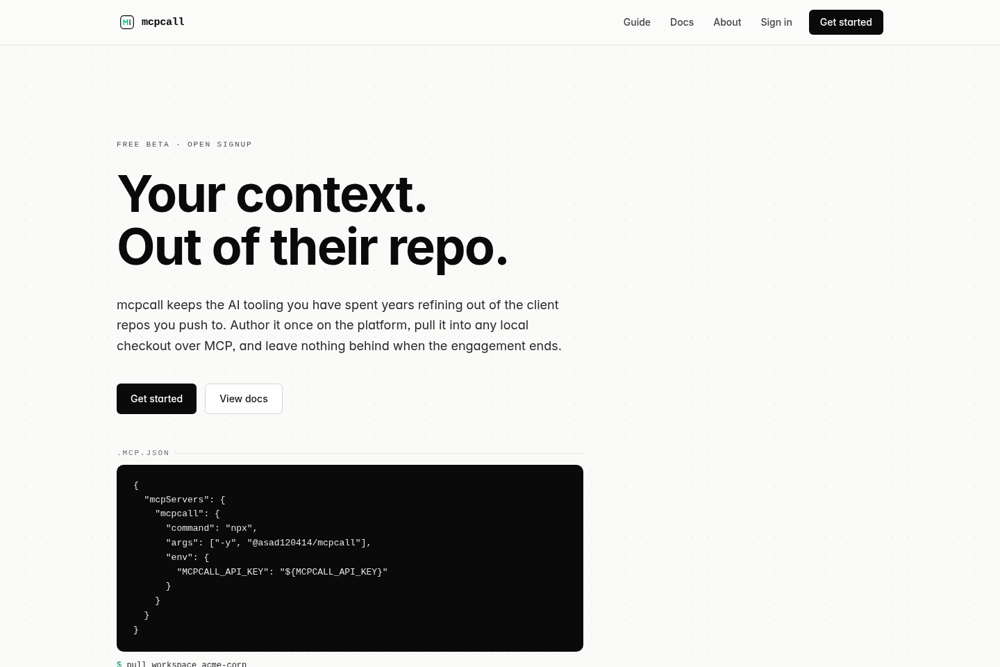
My own MCP platform, live on npm
My role
Built solo, end to end: the platform, the stdio MCP server, the data model, the migrations, and the published npm package. Live free beta.
The problem
Across client projects I bring years of my own AI-context files (agent instructions, skills, rules, research). The manual workaround is to copy them in and .gitignore them, but .gitignore is committed, so even the file names leak, and there is no clean off-boarding.
What I did
- Built a SaaS that stores context per workspace (one per client) and a stdio MCP server (10 tools) that pulls it into any local checkout in one command.
- Hid pulled files via .git/info/exclude, the per-repo user-local ignore file that is never committed, so the client sees neither the files nor the rule, unlike .gitignore.
- Made every operation sha256-keyed: a pull writes a .incoming sibling on a hash mismatch instead of clobbering, and cleanup refuses to delete a file whose local hash has drifted.
- Shipped it on npm as @asad120414/mcpcall (npx, no install), tokens hashed at rest with timingSafeEqual, symlink-defended, with a self-host URL override.
The result
Live free beta with open signup, published on npm. One cleanup call leaves a client repo bit-identical to before. I run my own context library on it day to day.
The judgment call: what the AI couldn't do
Everyone reaches for .gitignore to hide local files. But .gitignore is committed, so it leaks your file names to the client. I used .git/info/exclude instead, the per-repo ignore file git never tracks, so the client sees neither the files nor the rule. Knowing which ignore file git actually commits is the difference between working and leaking.
By the numbers
0
MCP tools
0
command to pull
0
files leaked to client